
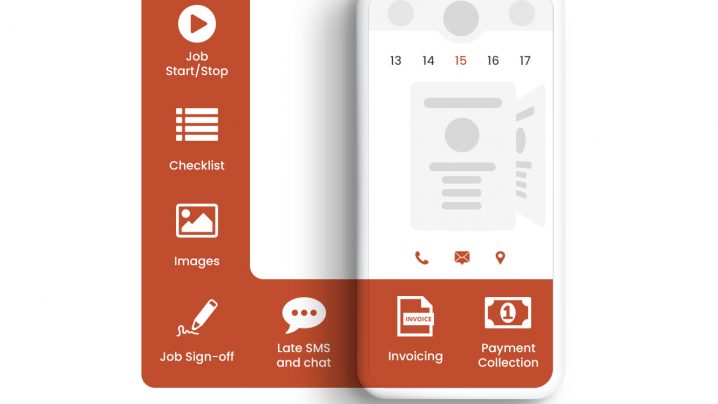
Admin options
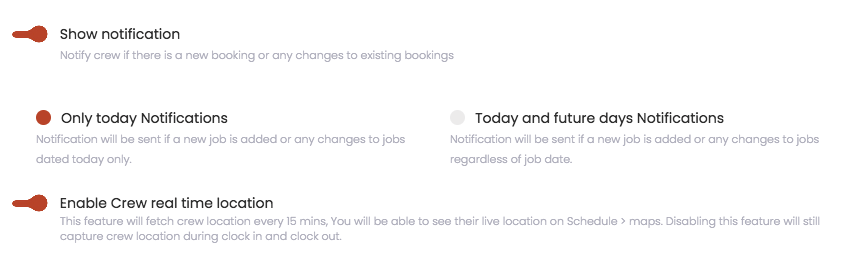
- Admin has the ability to select push notification for crews. All new/edit deleted job notification can be sent to the crew app. Admins can select whether they want to send it for only today’s jobs or today and upcoming future jobs.
- Admin can also decide to whether they want to fetch live crew location or only get the location during job start and stop.
- We have increased GEO fencing from 100m to 200m.
- Jobs now gets updated in real-time.
Crew App Enhancements
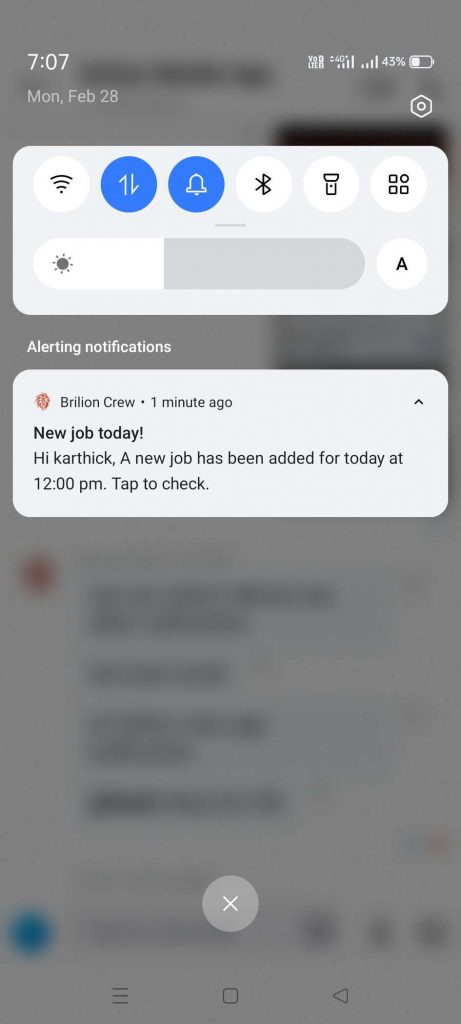
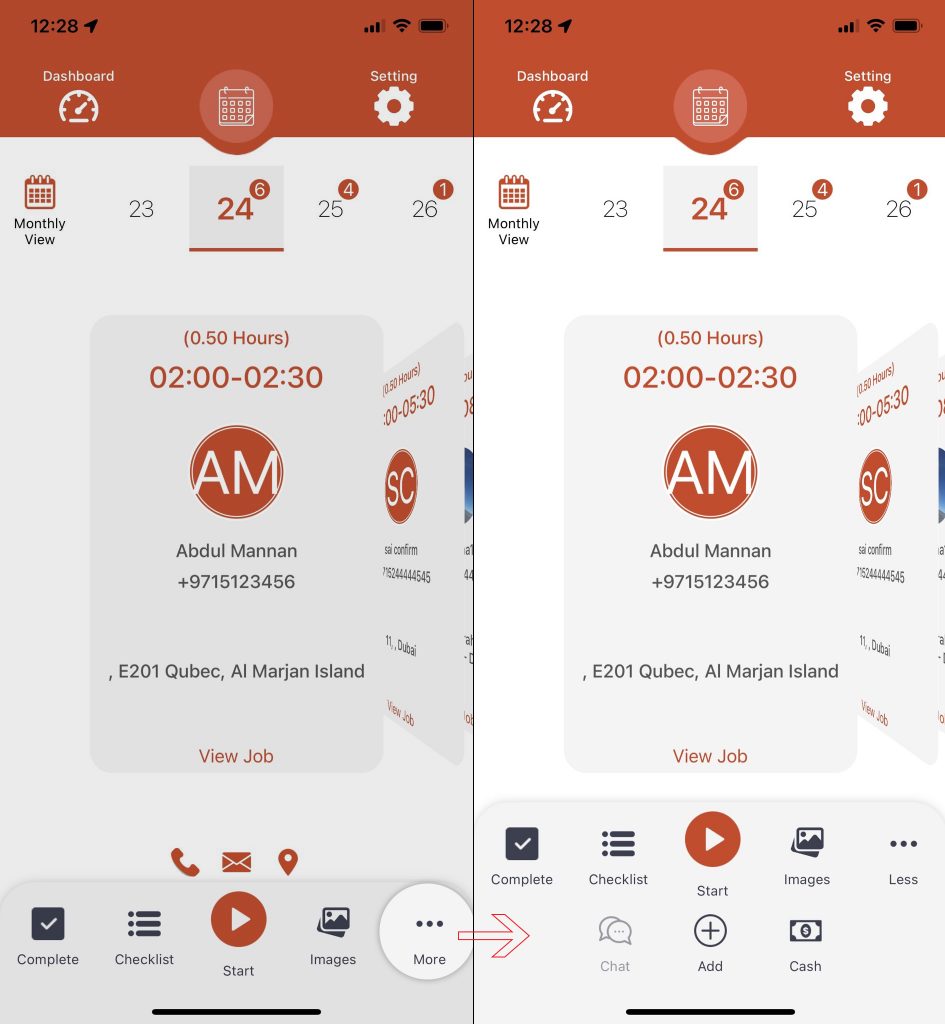
- We have removed the scroll from the bottom menu.
- Please click on “More” button to reveal more menu options.
- Start and stop is now in the center.
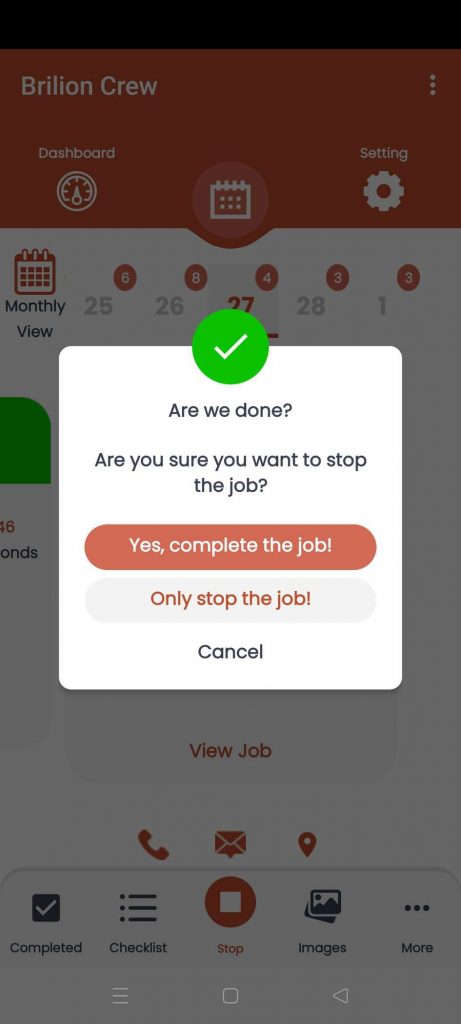
- If a crew stop’s a job, they will get an option to “Only stop a job” or “Stop and complete a job”.
- “Only stop the job!” will only stop the timer and let you do the checklist, images, take customers signatures.
- Completing a job will trigger an email (admin can disable it) which will send job completion email to your client. The email can be customizable to include job images, checklist and more.
- Alternatively crews can decide to “Only stop the job!” and then click on “Complete” icon as shown below.
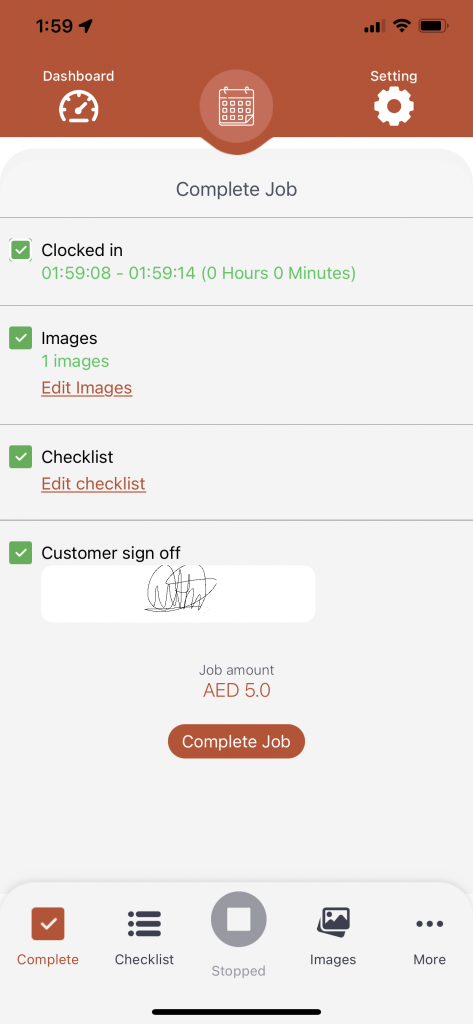
- On this screen crews can make sure that the job has been clocked in and out.
- Images are taken (if any)
- Checklist is completed (if any)
- Signature is taken (if taken it will also appear on the invoices)
- And then complete the job.
